How to Download & Unzip Your SVG Files: A Friendly Step-by-Step Guide
Learn how to easily download and unzip SVG cut files for your Cricut or Silhouette machine with this simple, step-by-step guide.
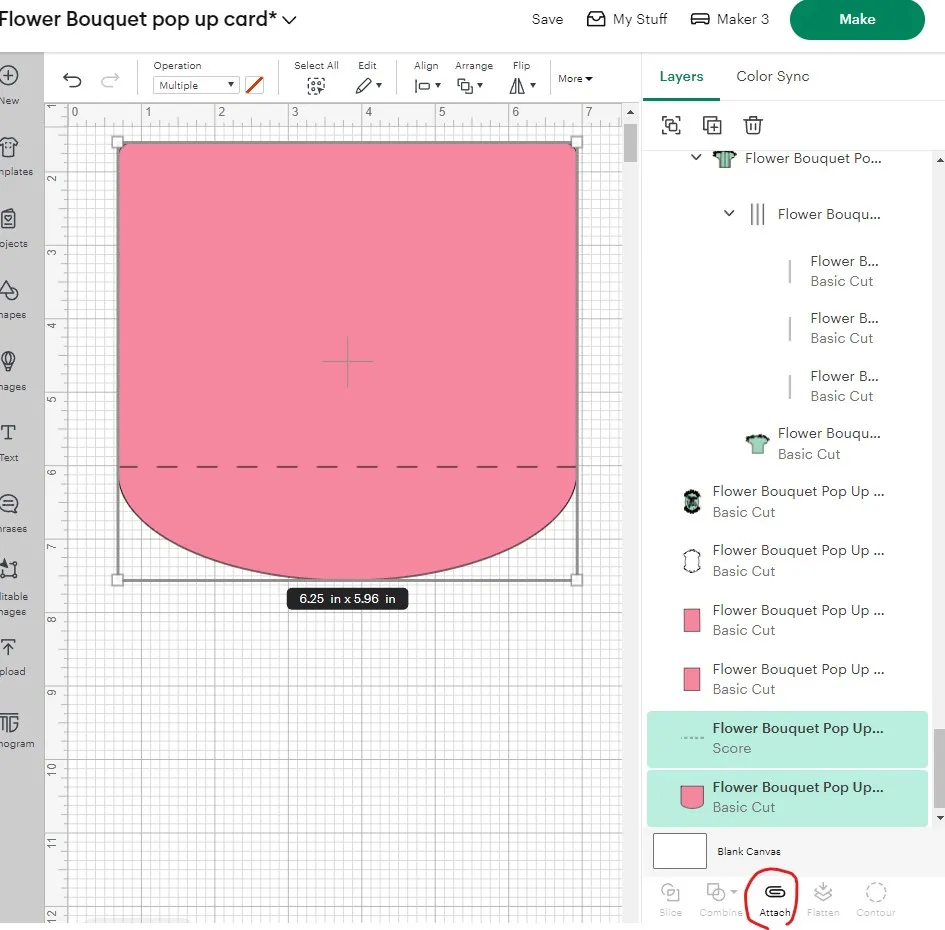
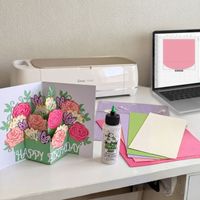
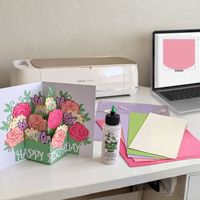
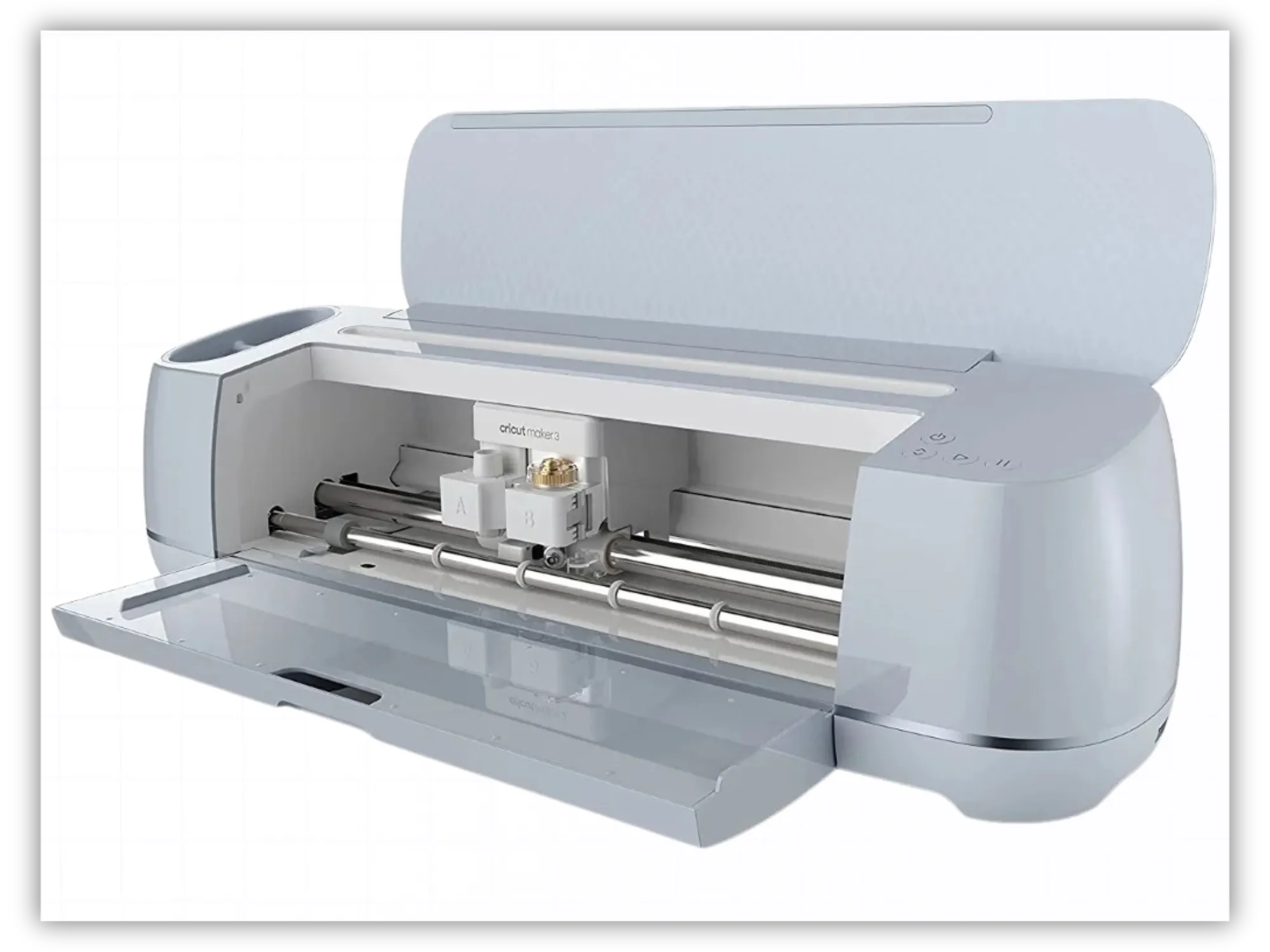
A cricut cutting machine is an electronic die-cutting machine that uses fine blades, scoring tools, and pens to cut, score, and draw on a vast array of materials. Cricuts come in several models (like the Joy, Explore, and Maker series) and are beloved for making beautiful cricut paper crafts and custom home decor. Laura's Tip: If you are looking for cricut projects for beginners, starting with a simple card or a basic 3D shape is a wonderful way to build your confidence! Below are my most popular beginner Cricut Cards: Sending Sunshine Card Christmas Village Accordion Card Birthday balloons card Kids Halloween Cards Bundle Cricut Design Space (Cricut Space) Often referred to simply as cricut space, this is the official, free companion software program used to lay out, customize, and send your cricut designs directly to your machine. This is where you upload your cricut downloads and arrange your paper layout before cutting. Print Then Cut (Or Print and Cut) A fantastic feature in Cricut Design Space and Silhouette Studio that allows you to print a colored design (like our Printable Christmas Watercolor Gift Tags) on your home printer first. The software prints special black registration marks around your design, which your cutting machine's built-in sensor reads so it knows exactly where to cut around your printed image.
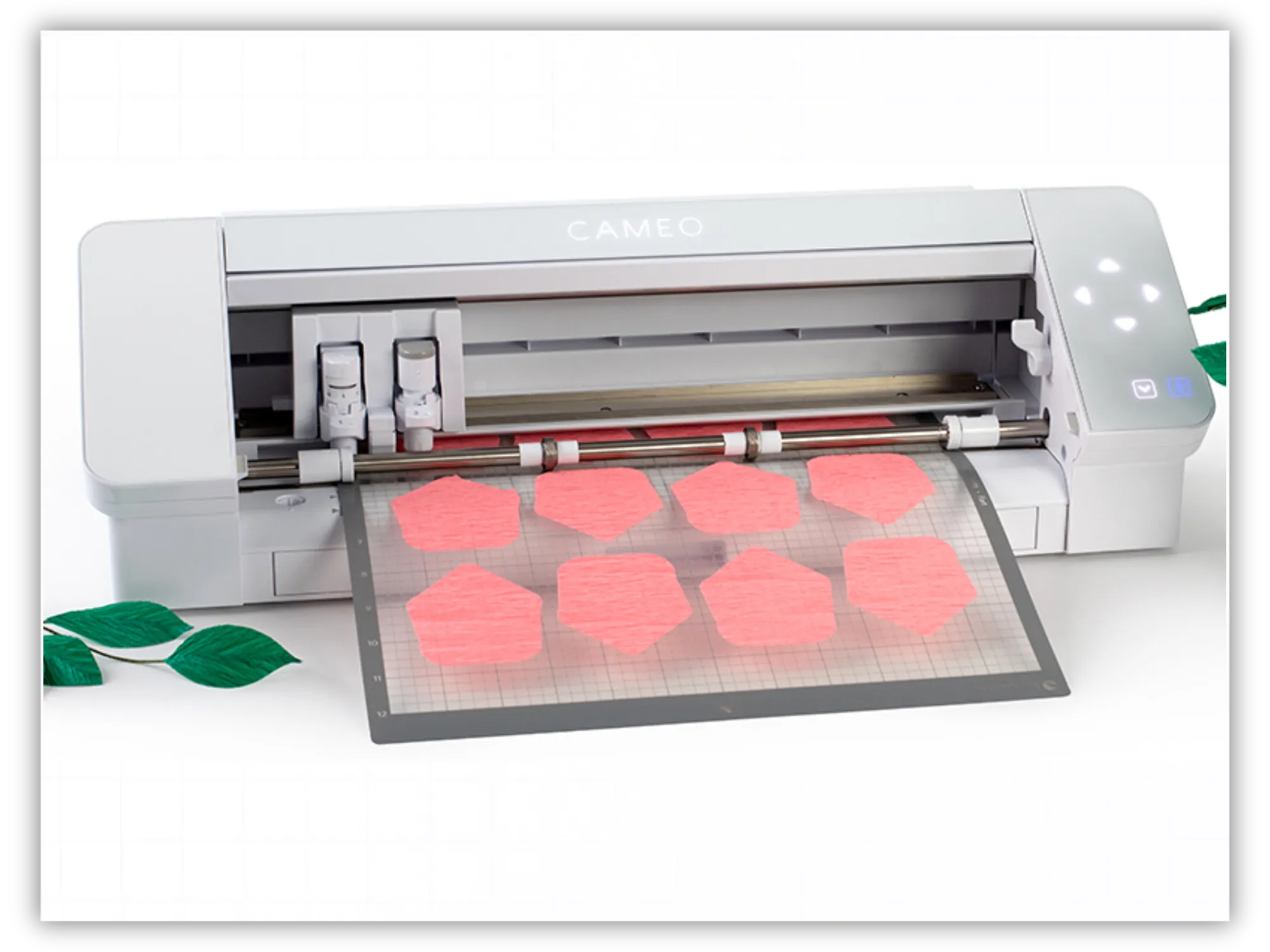
The Silhouette Cameo and Silhouette Portrait are both incredibly popular electronic cutting machines. They are known for its powerful software and precision cutting, making it a favorite for handling highly detailed silhouette svg designs and intricate paper cuts. Silhouette Cameo Specifications Max Cutting Width: 12 inches Max Cutting Length (with mat): 12 inches × 12 inches or 12 inches × 24 inches Max Cutting Length (matless/rolled): Up to 12 inches wide and 10 feet long (requires a built-in or external roll feeder) Material Thickness: Up to 3 mm (varies slightly by Cameo model, e.g., Cameo 4 vs. Cameo 5) Silhouette Portrait Another very popular Silhouette cutting machine for paper crafting projects because of the ability to accommodate 8-inch wide materials. Silhouette Portrait Specifications Max Cutting Width: 8 inches Max Cutting Length (with mat): 8 inches × 12 inches (or up to 8 inches × 24 inches with an extended mat) Max Cutting Length (matless/rolled): Up to 8 inches wide and 10 feet long Material Thickness: Up to 2 mm Silhouette Studio (and Studio3 Files) This is the software program used to design and cut with Silhouette machines. The .Studio3 Format: This is Silhouette's proprietary file format. Laura's Important Note for Beginners: The basic (free) version of Silhouette Studio can read JPEGs, PNGs, and DXF files, but it cannot read standard SVG files. To unlock the ability to import a silhouette cameo svg or standard SVG files directly, you will need to purchase a one-time upgrade to the "Designer Edition" or higher from Silhouette America.
Hi friend! If you’ve ever bought a digital paper craft design, clicked "download," and wondered, "Wait... what is a ZIP file, and where are my actual SVG cut files?"—you’re in the right place!
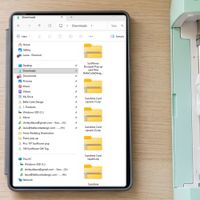
When you're eager to start cutting a new pop-up card or paper lantern on your Cricut or Silhouette machine, hitting a technical roadblock can feel frustrating. Unzipping your files is quick, simple, and something you will master in no time. Just stay with me, and I’ll walk you through it below:
Before we cut, we need to understand the digital magic behind our templates! All cutting machine files come in two “flavors”: Image bitmap (sometimes called “raster” files). These include JPEGs, PNGs JPEG (Joint Photographic Experts Group) is a raster image format that uses "lossy" compression. By permanently discarding unseen data, it significantly reduces file sizes, making it the standard for digital photos and web graphics where fast loading is crucial. PNG (Portable Network Graphics) is a raster format that uses "lossless" compression. It retains all original image data, preserving crisp details and text, while also supporting transparent backgrounds. This makes PNGs ideal for logos, digital illustrations, and web assets, though file sizes are larger.
DXF files A DXF (Drawing Exchange Format) file is a universal CAD vector file created by Autodesk in 1982. It acts as a bridge between different design programs, allowing users to share precise 2D and 3D geometries, layers, and dimensions across different software without losing design accuracy. Why DXF Files Matter Vector-Based: Because they are made of mathematical coordinates, lines, and arcs rather than pixels, DXF designs can be scaled infinitely without losing quality or precision. Used For Crafting/Cutting: Hobby machines (like Cricut or Silhouette cutters) or laser cutting software (like LightBurn) accept DXFs as cut files. SVG File "SVG" stands for Scalable Vector Graphic. Unlike standard photos (JPEGs or PNGs) which get blurry and pixelated when you zoom in, an SVG is made of mathematical lines. This means you can scale an SVG design to be as tiny as a postage stamp or as large as a billboard, and its cut lines will remain perfectly sharp and clean! SVGs are the absolute gold standard for cricut and svg files. 3D SVG Template Also known as a 3D cutting file, a 3D project file, or a pop up card svg. A 3D SVG template is a digital blueprint used by electronic cutting machines and laser cutters (like Glowforge) to create projects that stand up, pop out, or assemble into three-dimensional masterpieces. These files are the secret behind elegant pop up cards templates, layered shadowboxes, paper lanterns, and gift boxes.