The Ultimate 3D Paper Crafting Glossary: Your Guide to Cricut & Silhouette Terms
Cutting Machines & Software
Cricut Cutting Machines
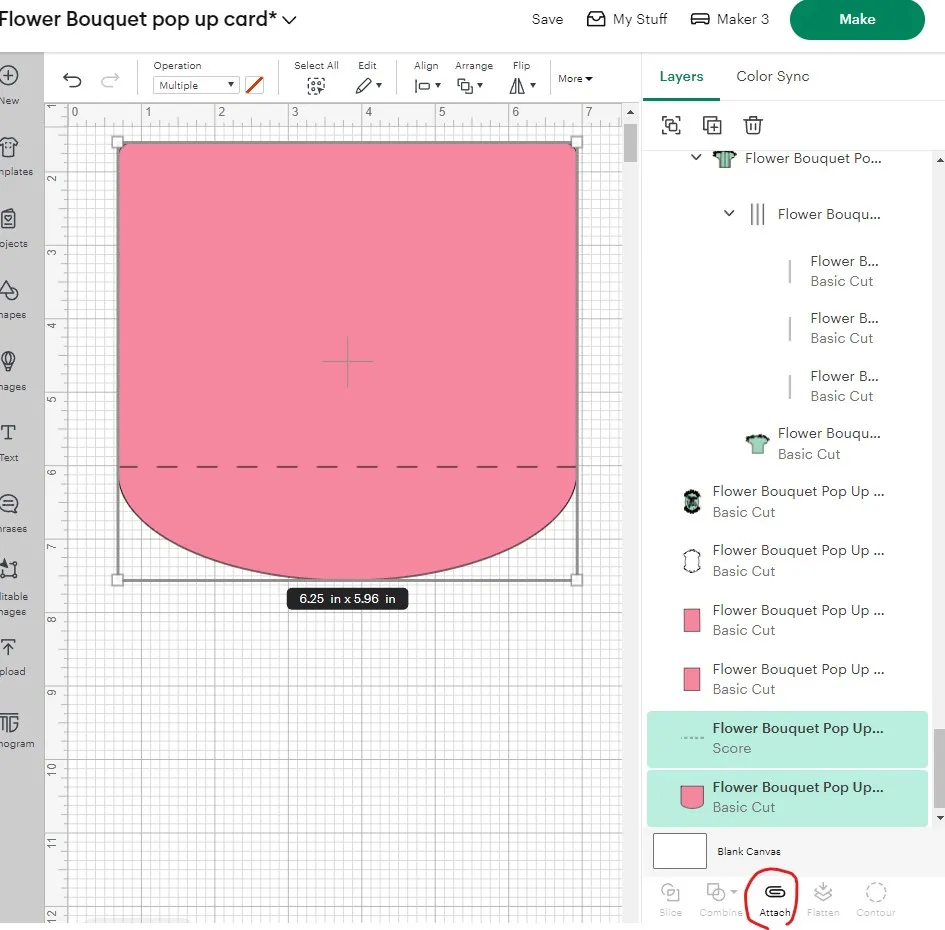
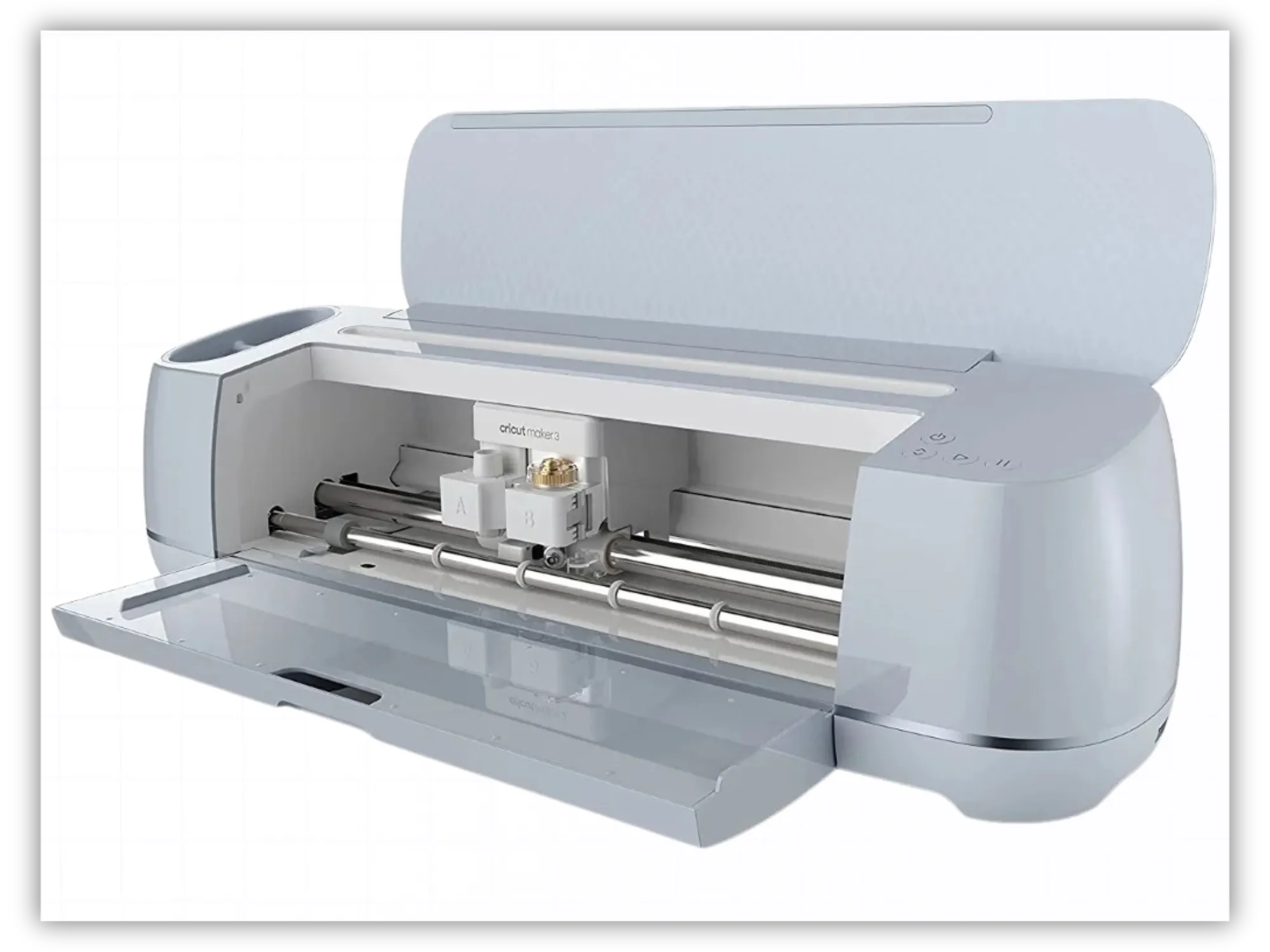
A cricut cutting machine is an electronic die-cutting machine that uses fine blades, scoring tools, and pens to cut, score, and draw on a vast array of materials. Cricuts come in several models (like the Joy, Explore, and Maker series) and are beloved for making beautiful cricut paper crafts and custom home decor. Laura's Tip: If you are looking for cricut projects for beginners, starting with a simple card or a basic 3D shape is a wonderful way to build your confidence! Below are my most popular beginner Cricut Cards: Sending Sunshine Card Christmas Village Accordion Card Birthday balloons card Kids Halloween Cards Bundle Cricut Design Space (Cricut Space) Often referred to simply as cricut space, this is the official, free companion software program used to lay out, customize, and send your cricut designs directly to your machine. This is where you upload your cricut downloads and arrange your paper layout before cutting. Print Then Cut (Or Print and Cut) A fantastic feature in Cricut Design Space and Silhouette Studio that allows you to print a colored design (like our Printable Christmas Watercolor Gift Tags) on your home printer first. The software prints special black registration marks around your design, which your cutting machine's built-in sensor reads so it knows exactly where to cut around your printed image.
Silhouette Cutting Machines
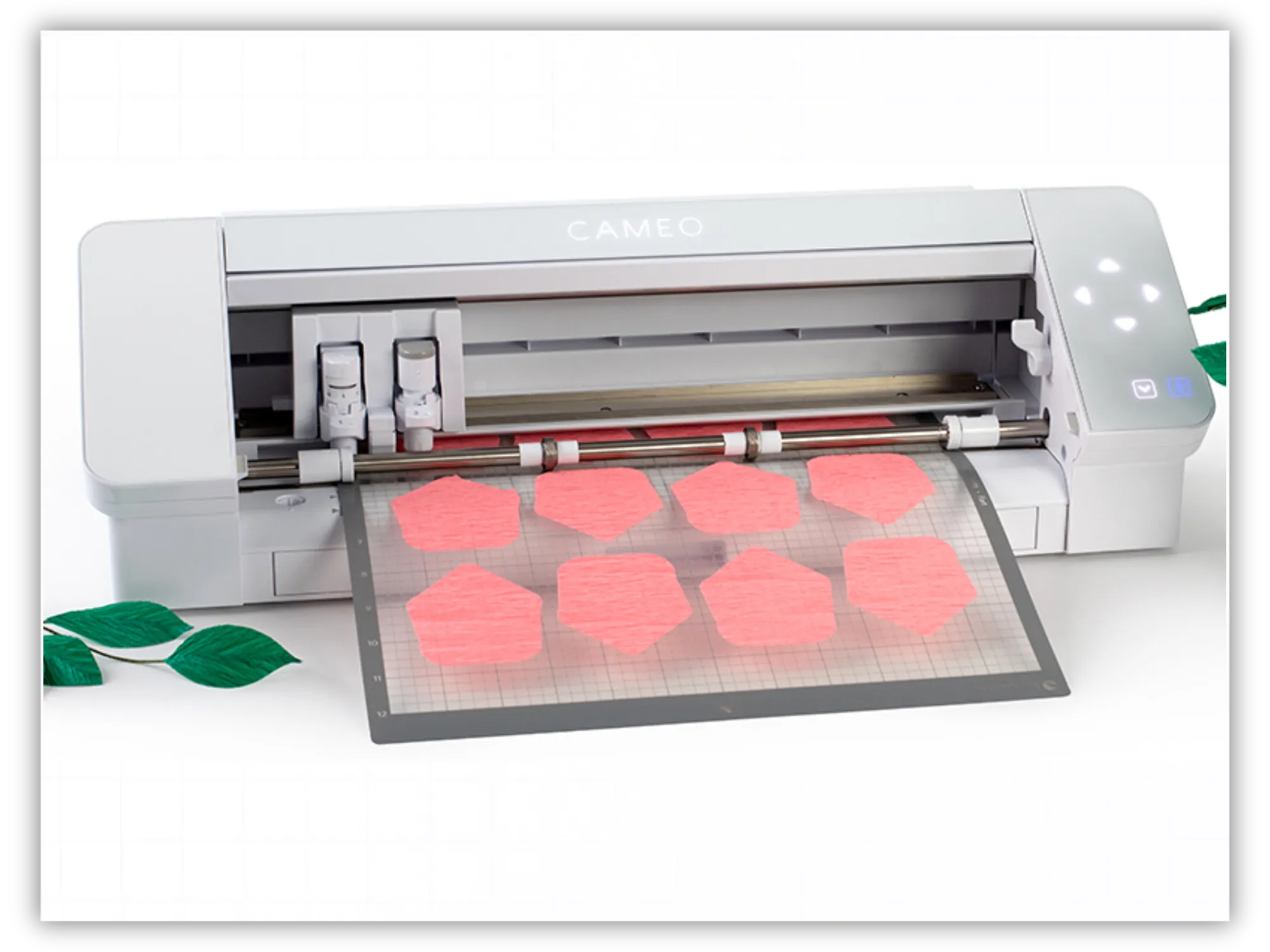
The Silhouette Cameo and Silhouette Portrait are both incredibly popular electronic cutting machines. They are known for its powerful software and precision cutting, making it a favorite for handling highly detailed silhouette svg designs and intricate paper cuts. Silhouette Cameo Specifications Max Cutting Width: 12 inches Max Cutting Length (with mat): 12 inches × 12 inches or 12 inches × 24 inches Max Cutting Length (matless/rolled): Up to 12 inches wide and 10 feet long (requires a built-in or external roll feeder) Material Thickness: Up to 3 mm (varies slightly by Cameo model, e.g., Cameo 4 vs. Cameo 5) Silhouette Portrait Another very popular Silhouette cutting machine for paper crafting projects because of the ability to accommodate 8-inch wide materials. Silhouette Portrait Specifications Max Cutting Width: 8 inches Max Cutting Length (with mat): 8 inches × 12 inches (or up to 8 inches × 24 inches with an extended mat) Max Cutting Length (matless/rolled): Up to 8 inches wide and 10 feet long Material Thickness: Up to 2 mm Silhouette Studio (and Studio3 Files) This is the software program used to design and cut with Silhouette machines. The .Studio3 Format: This is Silhouette's proprietary file format. Laura's Important Note for Beginners: The basic (free) version of Silhouette Studio can read JPEGs, PNGs, and DXF files, but it cannot read standard SVG files. To unlock the ability to import a silhouette cameo svg or standard SVG files directly, you will need to purchase a one-time upgrade to the "Designer Edition" or higher from Silhouette America.
Essential Crafting Tools
Having the right tools by your side turns a tedious task into a relaxing, mindful flow.
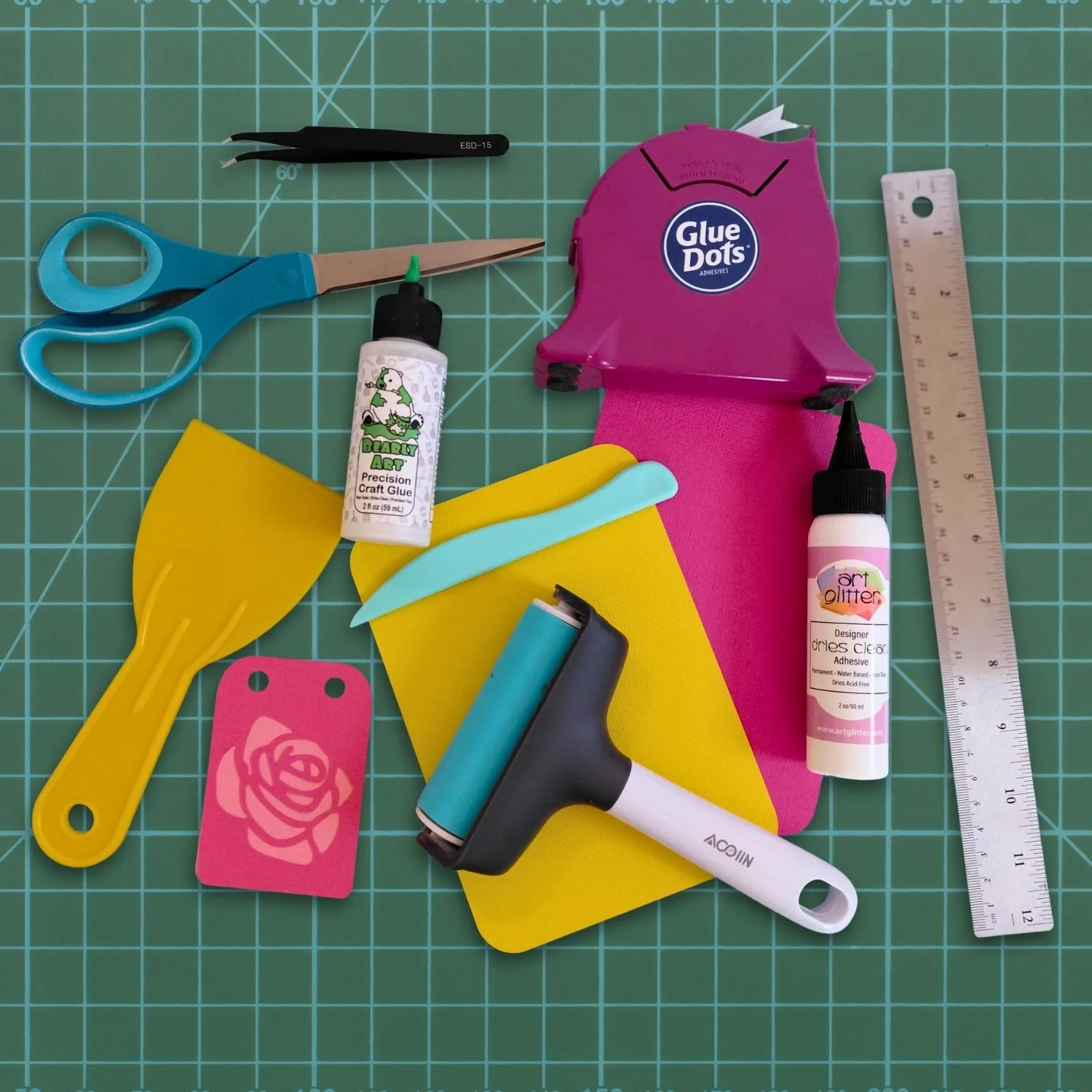
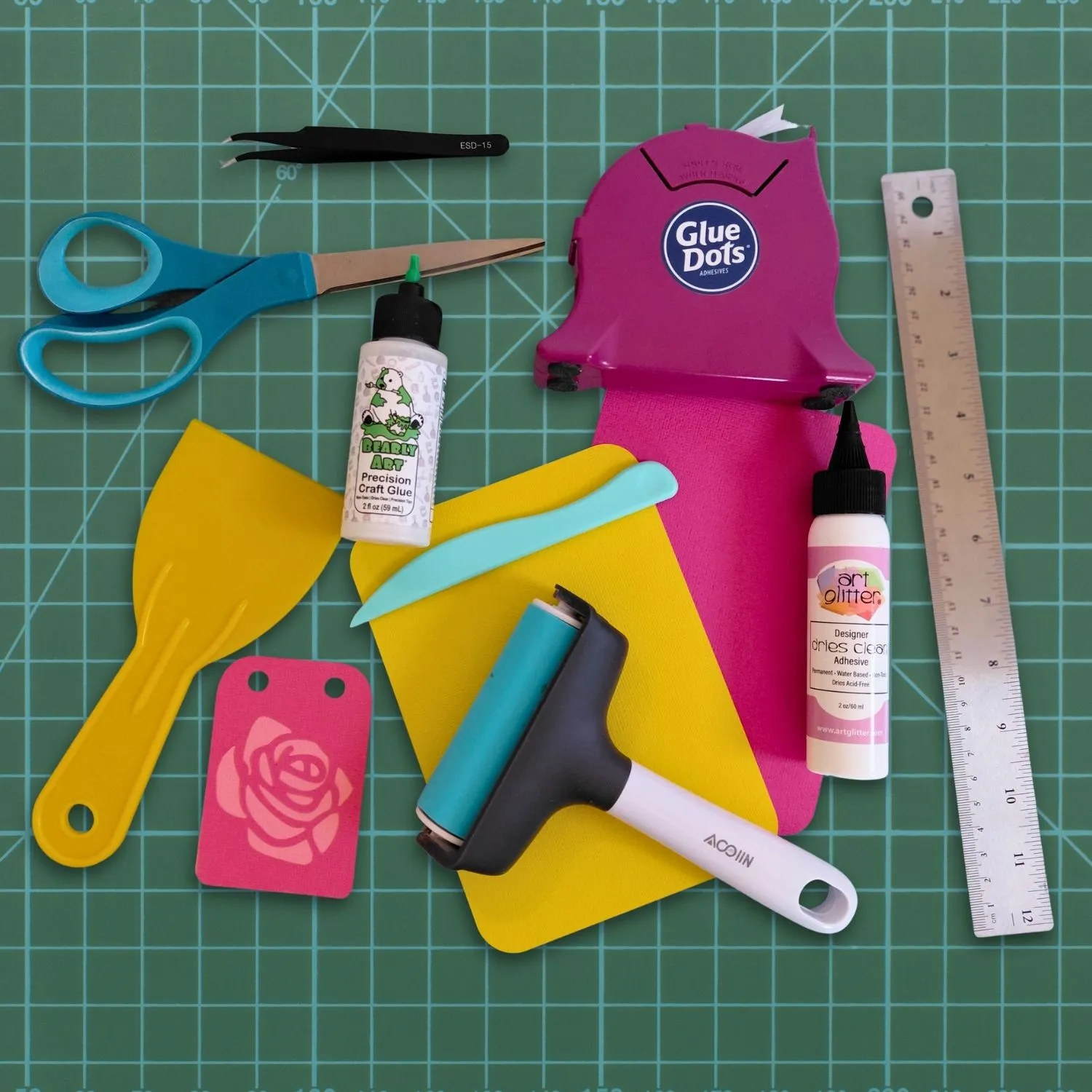
Cutting Mat
This is the adhesive-surfaced mat that holds your cardstock paper flat and secure while your machine cuts.
Laura's Tip:
For paper crafting, I highly recommend using the Blue "LightGrip" mat. Heavy-grip mats can tear your beautiful paper when you try to peel it off! Always peel the mat away from the
paper (not the paper away from the mat) to prevent your cardstock from curling.
Bone Folder
A traditional, dull-edged hand tool (usually made of real bone or polished plastic) used to press and burnish paper folds.
Laura's Secret for Perfect Folds:
Once you make a score line, fold your cardstock forward and backward a couple of times, running your bone folder firmly along the edge. This relaxes the paper fibers and gives your pop-up cards a professional, lay-flat finish!
Brayer
A hand-held roller tool used to press materials flat.
Why you need one:
Running a brayer over your cardstock once it's on your cutting mat ensures 100% adhesion with zero air bubbles, preventing your blade from dragging or tearing the paper.
Scraper Tool
A flat, plastic hand tool used to scrape leftover paper scraps off your cutting mat and to smooth down vinyl or paper. It can also be used in a pinch to burnish score lines if you don't have a bone folder handy!
Hand-Held Craft Cutting Tools
As much as we love our electronic cutting machines, sometimes a project needs a little hand-crafted love. Whether your machine missed a tiny corner fiber, or you want to add a unique, hand-cut detail to your hand craft gifts, having a reliable hand-held cutting tool nearby is an absolute game-changer!
Here are the essential hand-held tools to keep in your creative toolkit:
Detail Knife (Craft Knife / X-Acto Knife)
This is a pen-shaped tool featuring a razor-sharp, replaceable steel blade. Often referred to by the popular brand name X-Acto knife, this tool gives you ultimate precision for tight corners, tiny interior cutouts, or trimming away stray paper fibers.
Swivel Knife
A specialized craft knife where the tiny blade rotates a full 360 degrees on a miniature pivot.
Why you'll love it:
Because the blade rotates freely as you move your hand, it is incredibly easy to cut smooth, flowing curves and intricate circles without having to awkwardly twist your wrist or rotate your entire piece of cardstock. It is wonderful for adding whimsical flourishes to your cute crafts with paper.
Fingertip Knife
A unique, ergonomic craft knife that slips directly over your index finger like a ring, with the small blade resting just below your fingertip.
Why it's beginner-friendly:
Because the blade is held right under your finger, cutting feels as natural as drawing with a pencil. It offers incredible control and reduces hand fatigue, making it perfect for long crafting sessions where you are letting your craft ideas run wild.
💡 Laura's Safety & Care Guide for Hand Knives
Because I care about you and want your crafting time to be nothing but joyful, please keep these three little rules in mind when working with hand-held blades:
Always Cut Away From Yourself:
Never pull the blade toward your fingers or your body. If the blade slips, you want it sliding safely into empty space!
Let the Blade Do the Work:
If you find yourself pressing down so hard that your hand is cramping, your blade is likely dull. Change your blade frequently! A fresh, sharp blade slices through
cardstock paper
like butter with very little pressure.
Use Your Cap:
Always put the safety cap back on your knife the second you are done using it. This protects both your fingers and the delicate tip of your blade from chipping if it rolls off your desk.
Understanding Digital Files
Understanding Digital Files
Image Files
Before we cut, we need to understand the digital magic behind our templates! All cutting machine files come in two “flavors”: Image bitmap (sometimes called “raster” files). These include JPEGs, PNGs JPEG (Joint Photographic Experts Group) is a raster image format that uses "lossy" compression. By permanently discarding unseen data, it significantly reduces file sizes, making it the standard for digital photos and web graphics where fast loading is crucial. PNG (Portable Network Graphics) is a raster format that uses "lossless" compression. It retains all original image data, preserving crisp details and text, while also supporting transparent backgrounds. This makes PNGs ideal for logos, digital illustrations, and web assets, though file sizes are larger.
Vector or Plotter Files
DXF files A DXF (Drawing Exchange Format) file is a universal CAD vector file created by Autodesk in 1982. It acts as a bridge between different design programs, allowing users to share precise 2D and 3D geometries, layers, and dimensions across different software without losing design accuracy. Why DXF Files Matter Vector-Based: Because they are made of mathematical coordinates, lines, and arcs rather than pixels, DXF designs can be scaled infinitely without losing quality or precision. Used For Crafting/Cutting: Hobby machines (like Cricut or Silhouette cutters) or laser cutting software (like LightBurn) accept DXFs as cut files. SVG File "SVG" stands for Scalable Vector Graphic. Unlike standard photos (JPEGs or PNGs) which get blurry and pixelated when you zoom in, an SVG is made of mathematical lines. This means you can scale an SVG design to be as tiny as a postage stamp or as large as a billboard, and its cut lines will remain perfectly sharp and clean! SVGs are the absolute gold standard for cricut and svg files. 3D SVG Template Also known as a 3D cutting file, a 3D project file, or a pop up card svg. A 3D SVG template is a digital blueprint used by electronic cutting machines and laser cutters (like Glowforge) to create projects that stand up, pop out, or assemble into three-dimensional masterpieces. These files are the secret behind elegant pop up cards templates, layered shadowboxes, paper lanterns, and gift boxes.